

CarRocket Car Intelligent Systems Smart Car Systems 4in1 Wireless Carplay Adapter Android Auto For Built-in CarPlay Fit VW FAIT


CarRocket Car Intelligent Systems Smart Car Systems 4in1 Wireless Carplay Adapter Android Auto For Built-in CarPlay Fit VW FAIT
SPECIFICATIONS
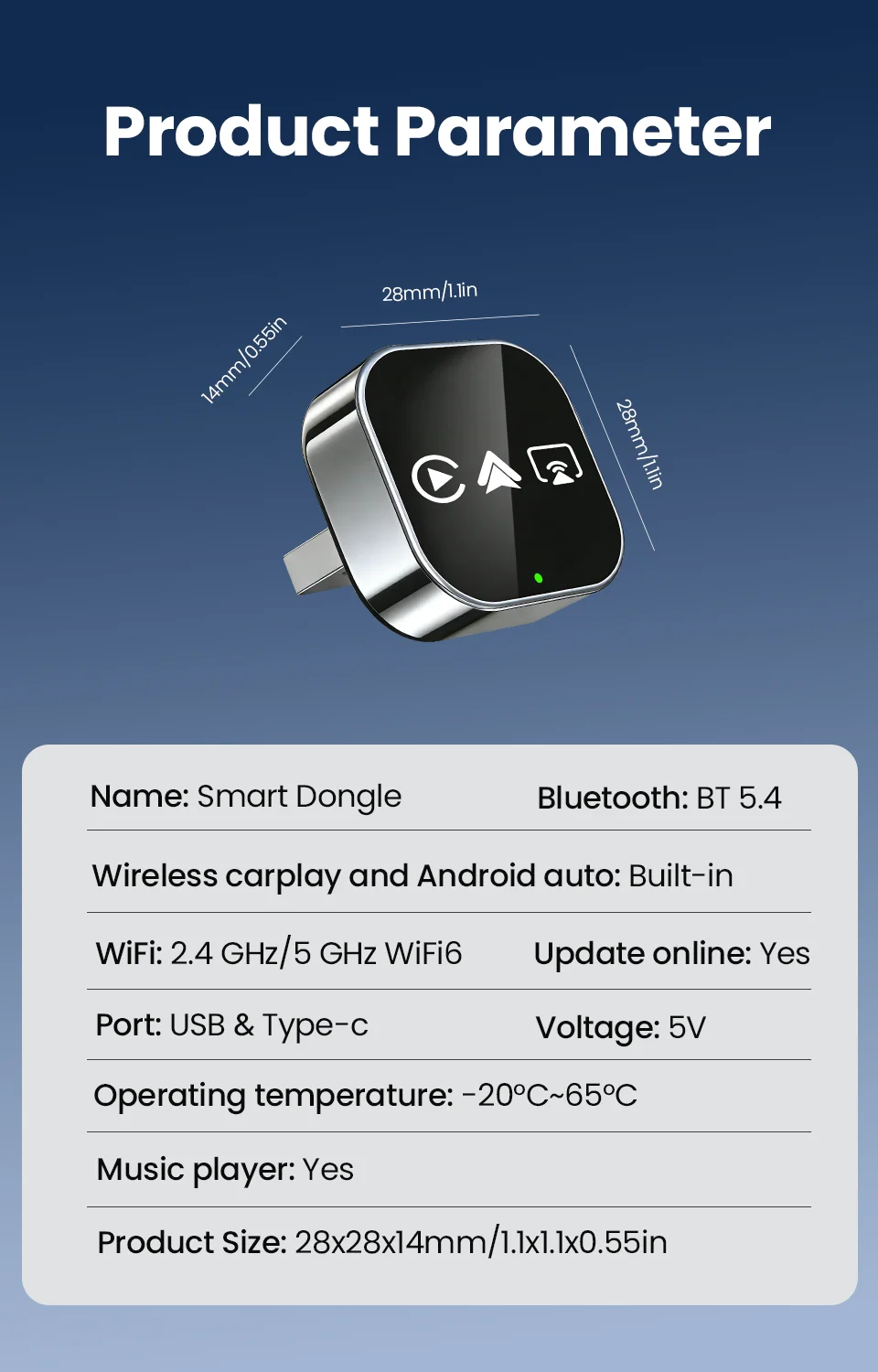
Blunetooth: 5.0
Brand Name: CarRocket
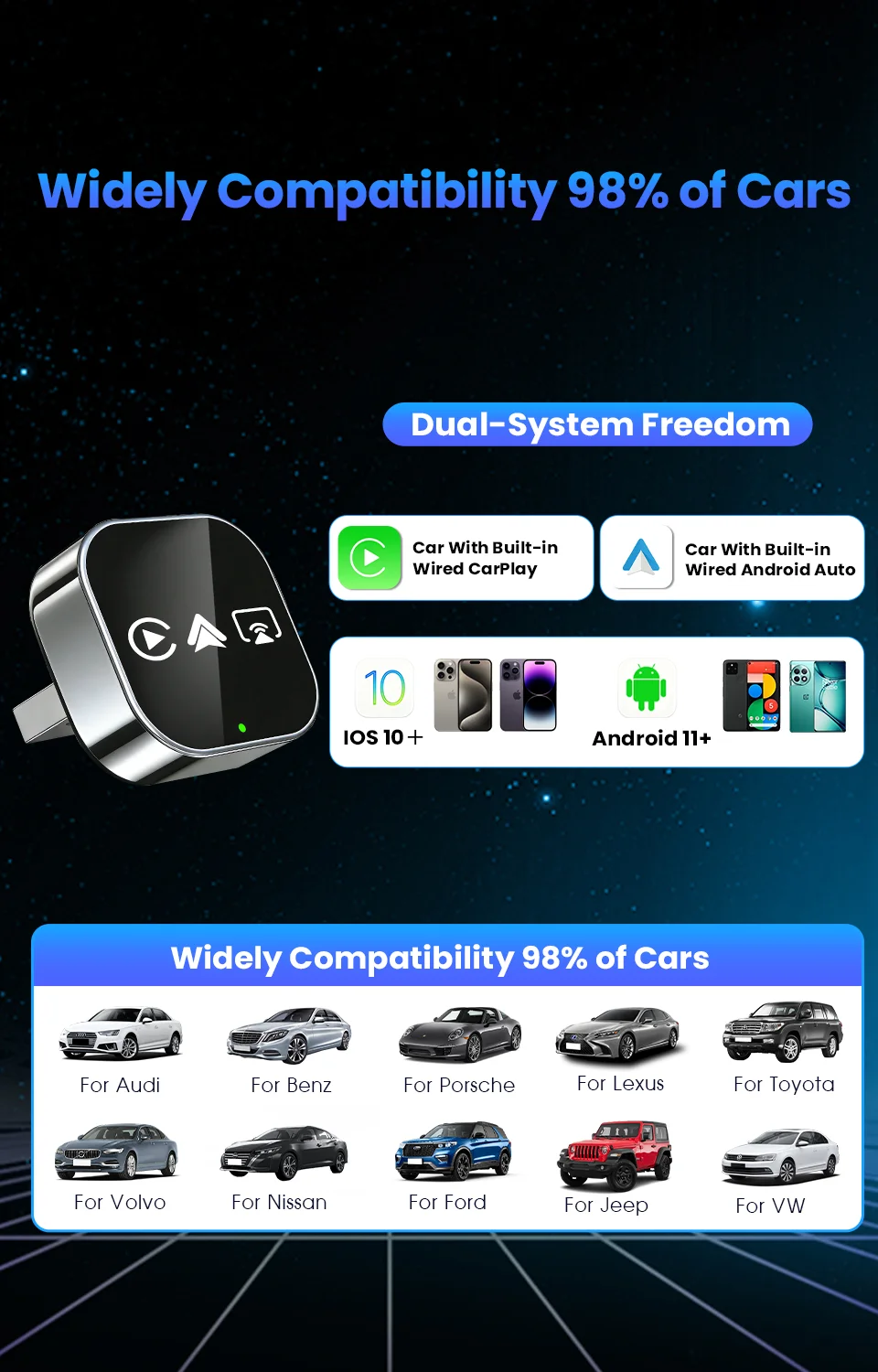
Car compatibility: Only for car built in original wired CarPlay or wired Android Auto
Choice: yes
Conditions of Use: This product has been converted from wired CarPlay to wirelessCarPlay/Android Auto/Mirror link.
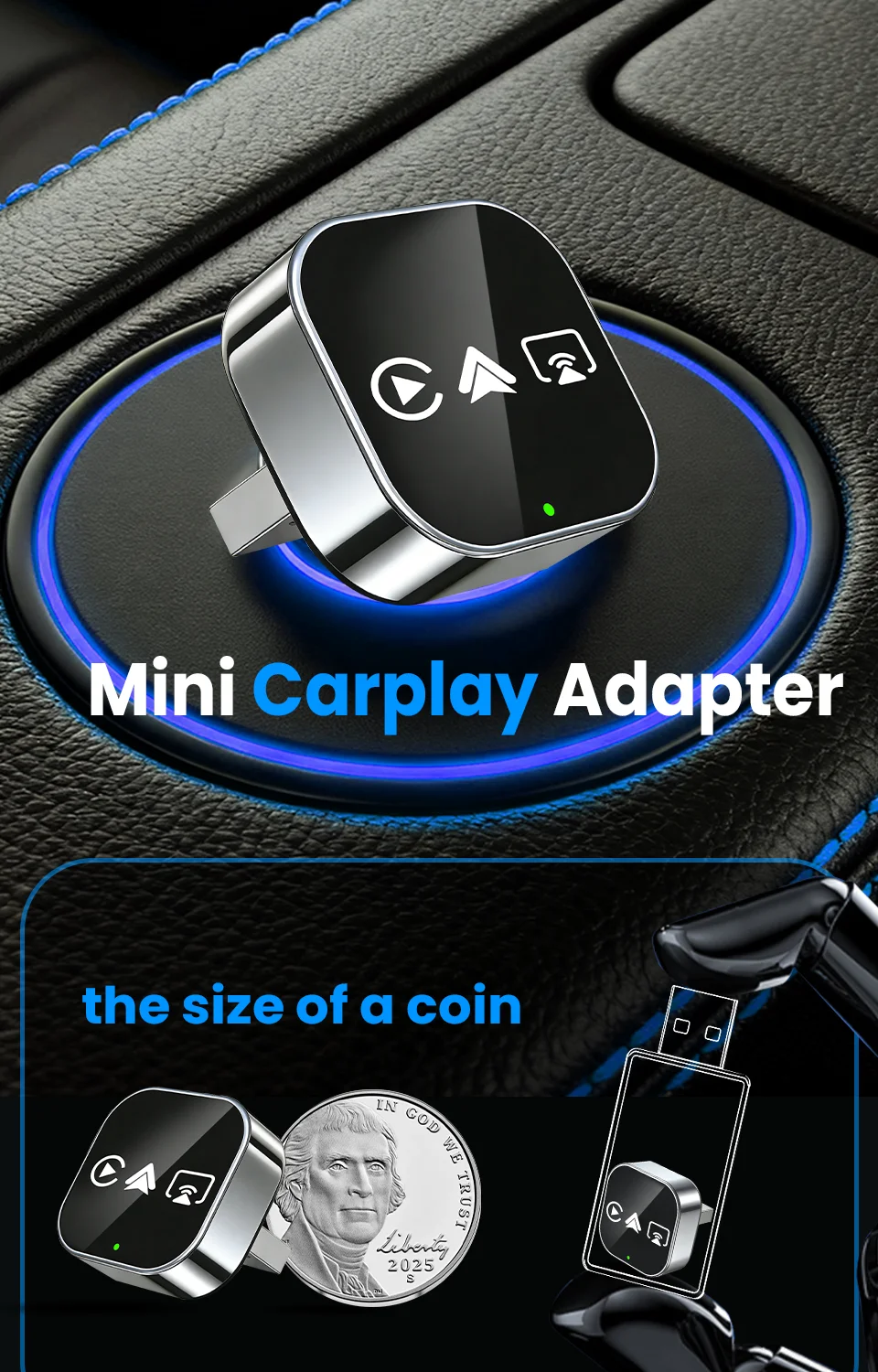
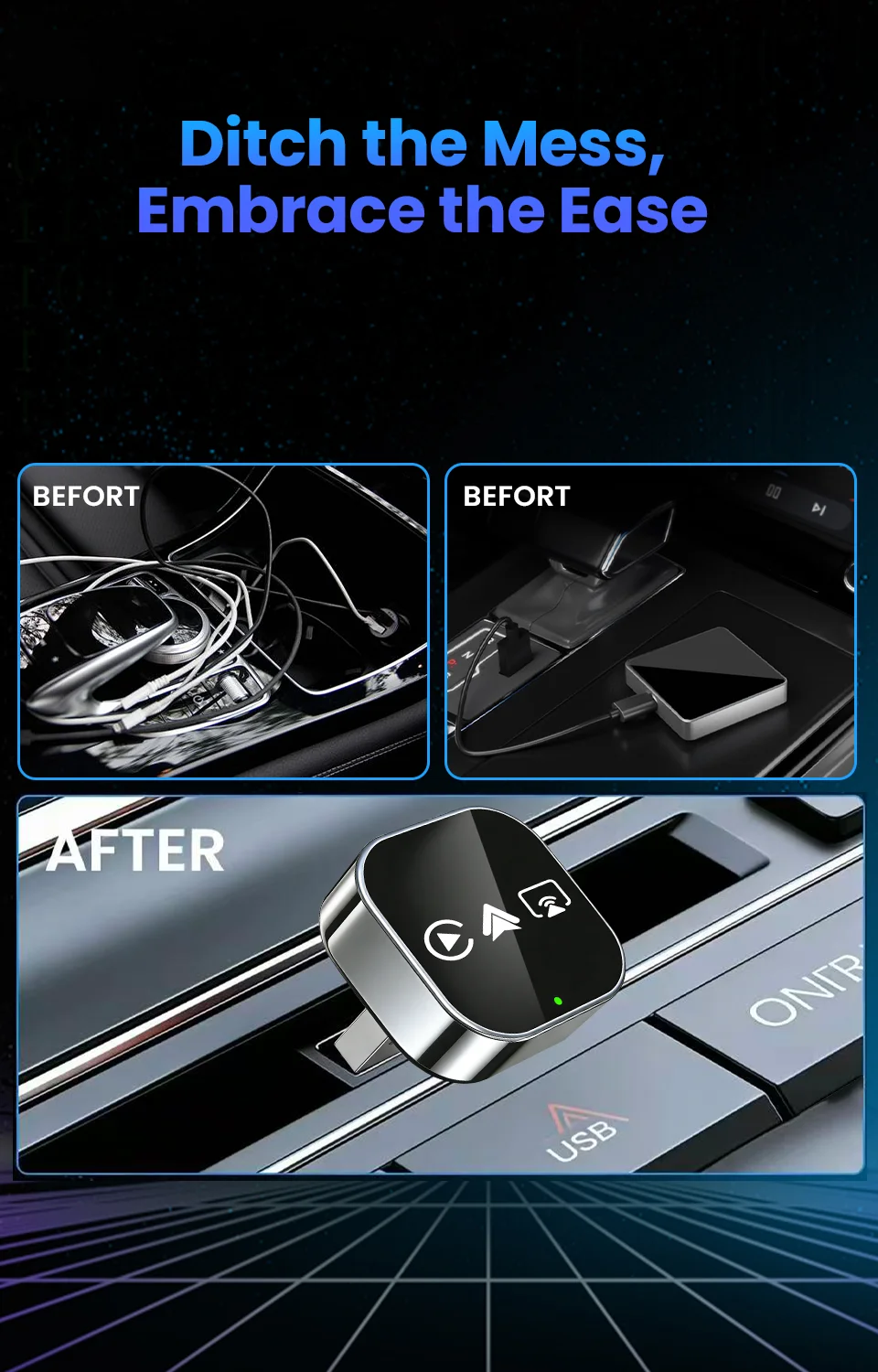
Feature: Wireless Carplay,Wireless Android Auto,For Airplay,For Miracast Link,Fota Update,Plug and play,Small Size,Rapid heat dissipation,365-Day Warranty
High-concerned chemical: None
Incompatible Phone: NOT for HUAWEI Honor,not for xiaomi redmi
Incompatible car: NOT for BMW,ot for TSL
Origin: Mainland China,Mainland China
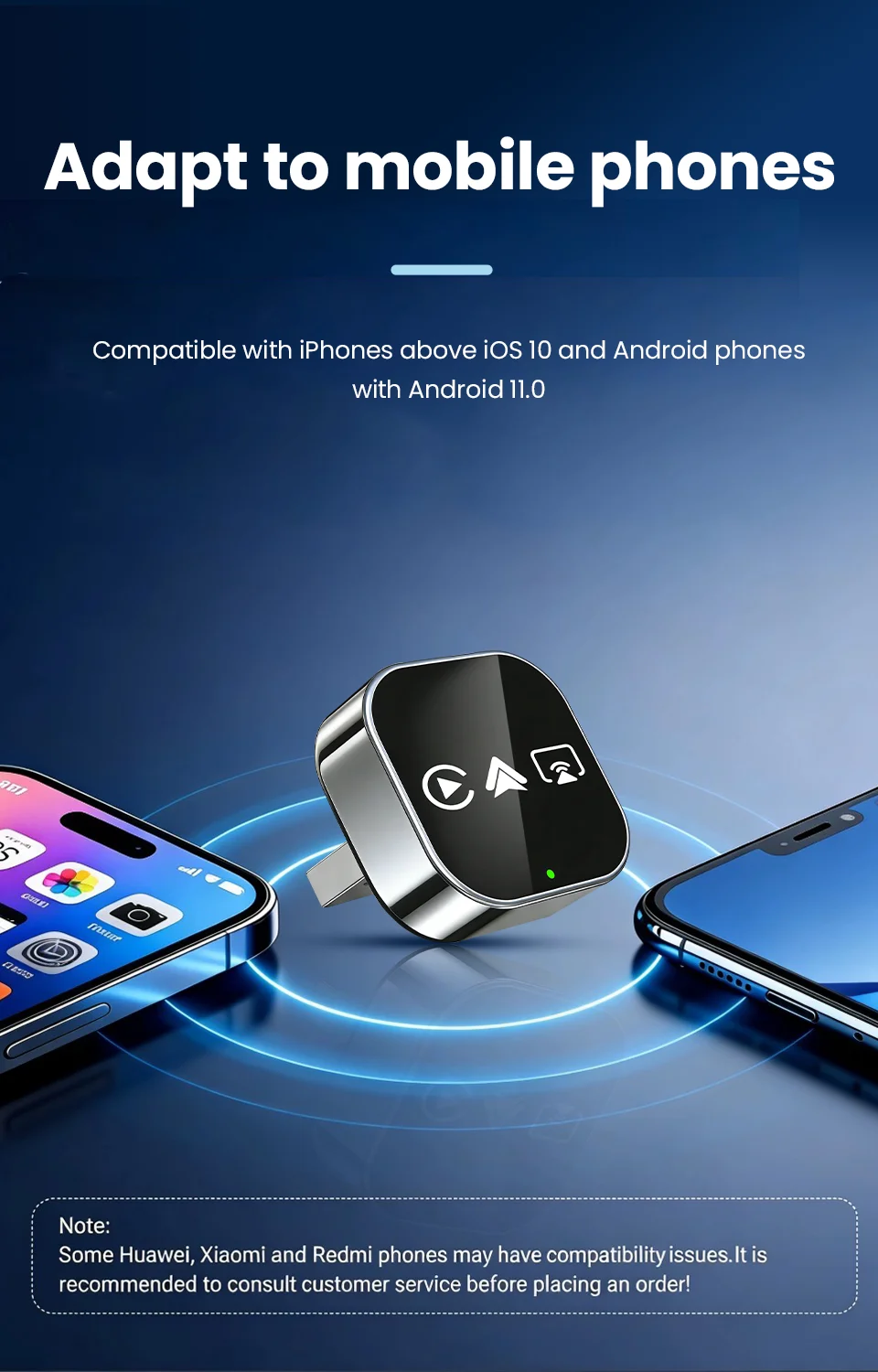
Phone compatibility: for Android 11 and above / for iPhone 6 and above
Support the Car: For Audi Benz Volvo VW Toyota Skoda Seat Nissan Mazda Lexus Kia Jeep Jaguar Hyundai,For Honda Haval GMC Ford Chevrolet Citroen Buick Cadillac Chery MG
Wifi: 2.4G+5G
🚀 Turn Any Car into a 2026 Smart Cockpit!
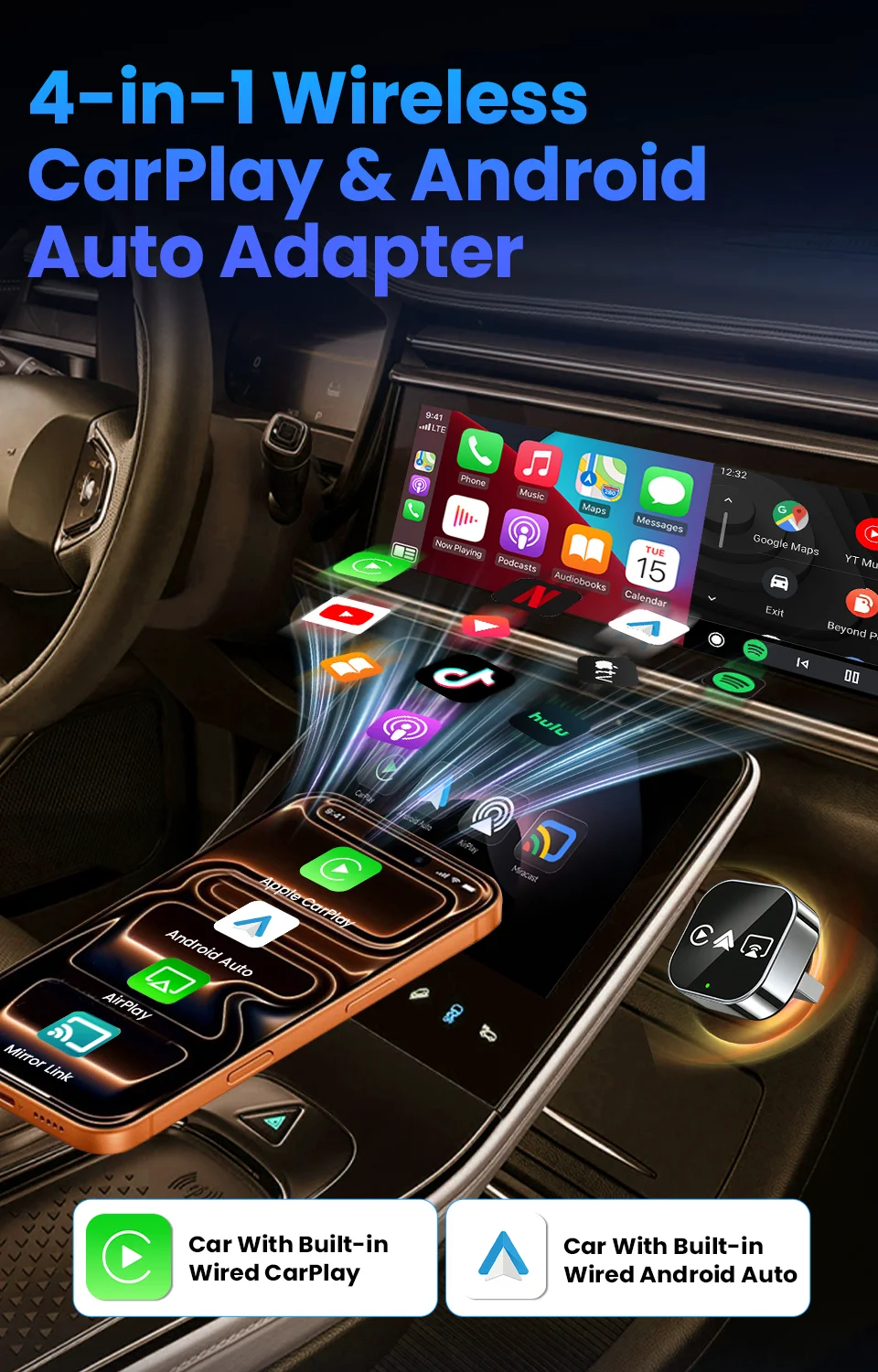
CarRocket: Ultimate Wireless CarPlay & Android Auto AI Box – Stream, Navigate, Control with Zero Lag!
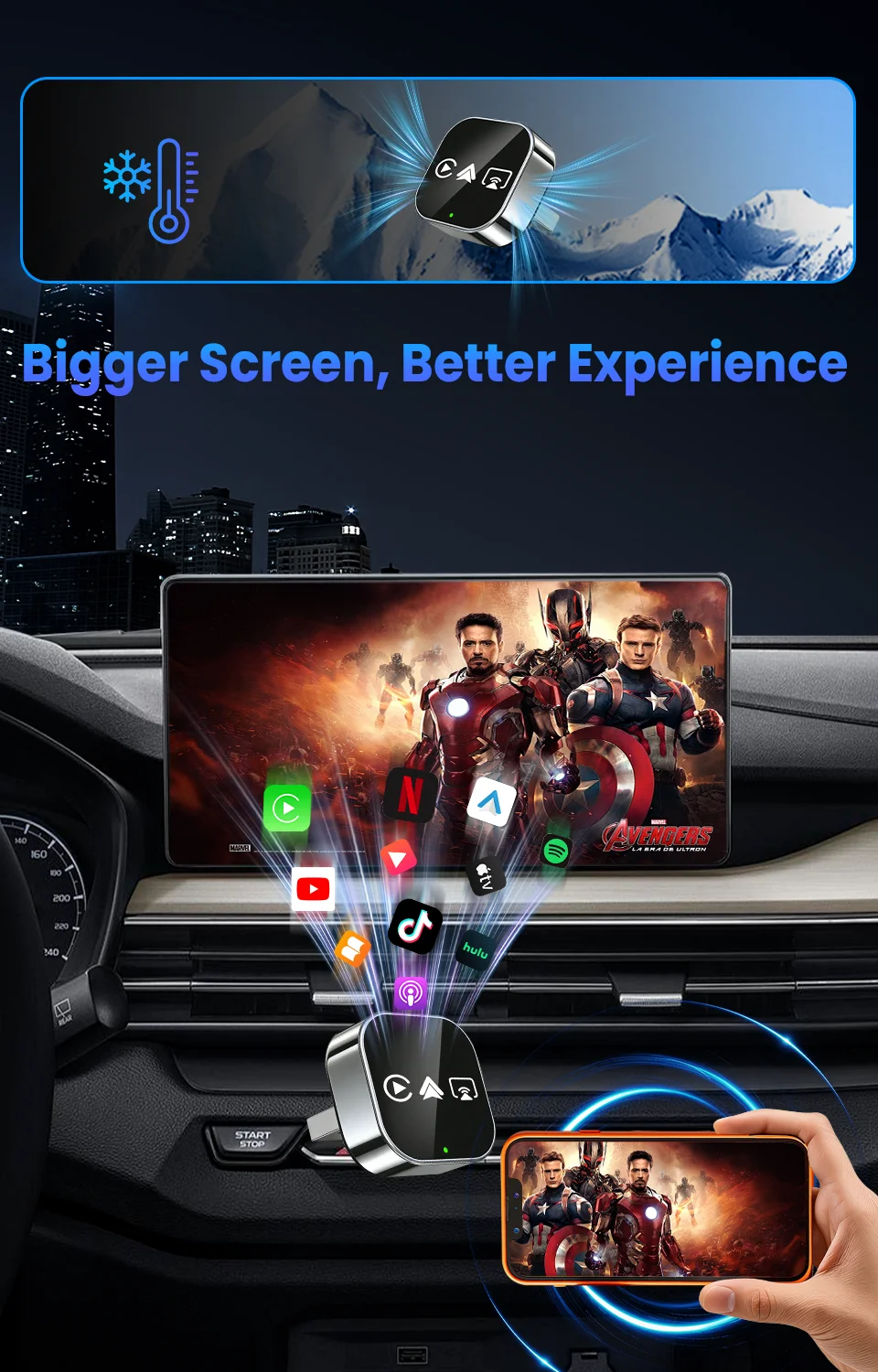
Tired of tiny screens blocking your entertainment? ANY car display! This plug-and-play hub transforms commutes into cinematic adventures – no factory upgrade needed.
✨ Why Drivers Love CarRocket:
-
🚗 Universal Fit for 2000+ Models (2016-2026)
- Works with ANY Screen: Factory displays, aftermarket units
"My 2016 Honda Civic streams Netflix like a 2025 Tesla!" – Verified Buyer.
-
⚡ 2026 CarPlay Ultra Ready – Future-Proof Tech!
- Live Activities & Widgets: Real-time traffic, flight tracking, and weather directly on dashboard.
- Safety First: Auto-disables video when driving (passenger mode only).
-
🔒 Driver-First Design
- Steering Wheel Control: Skip songs or adjust volume without touching screens.
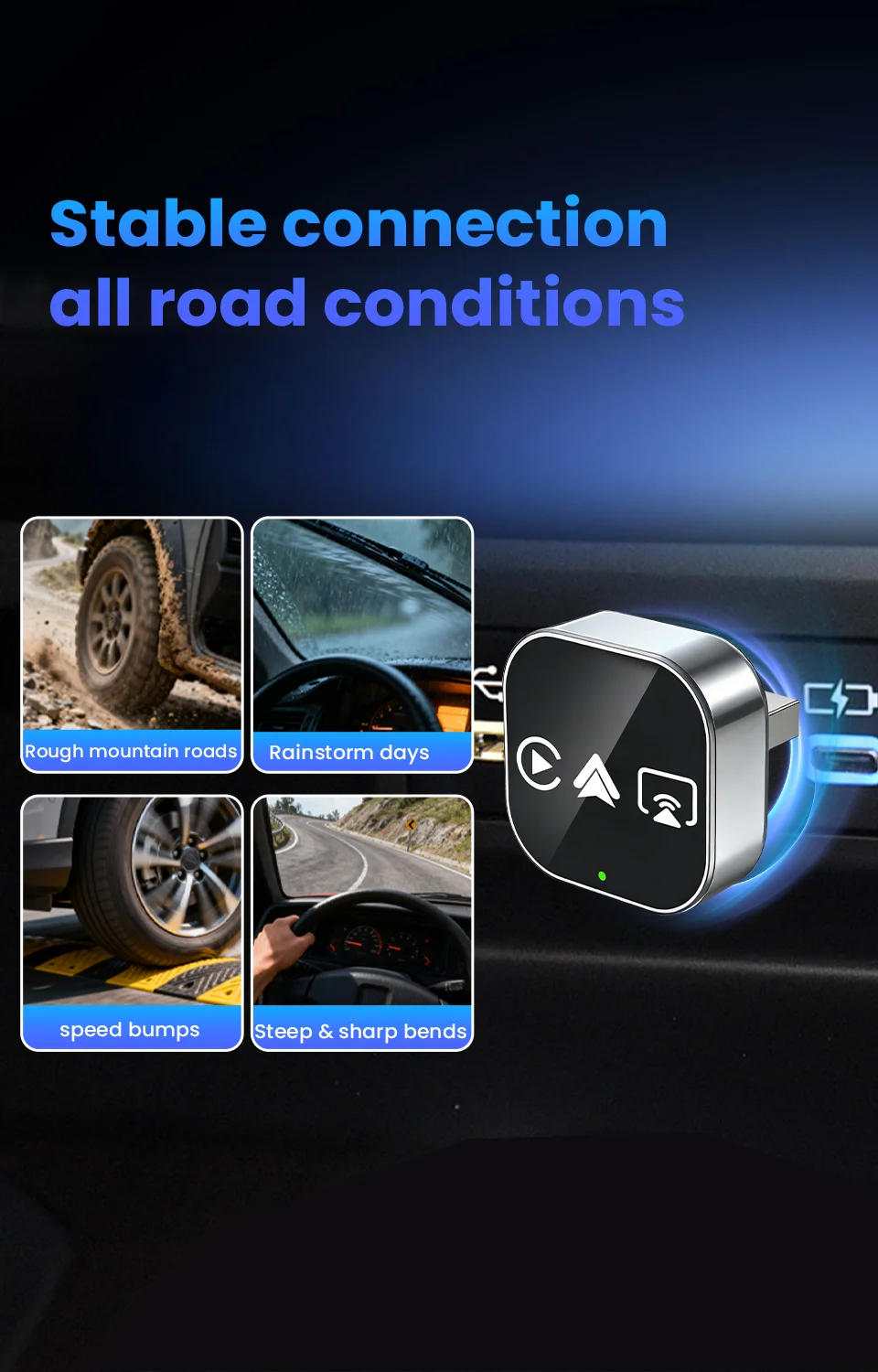
Lag-Free Navigation: 0.1s response time for Google Maps turns – miss zero exits
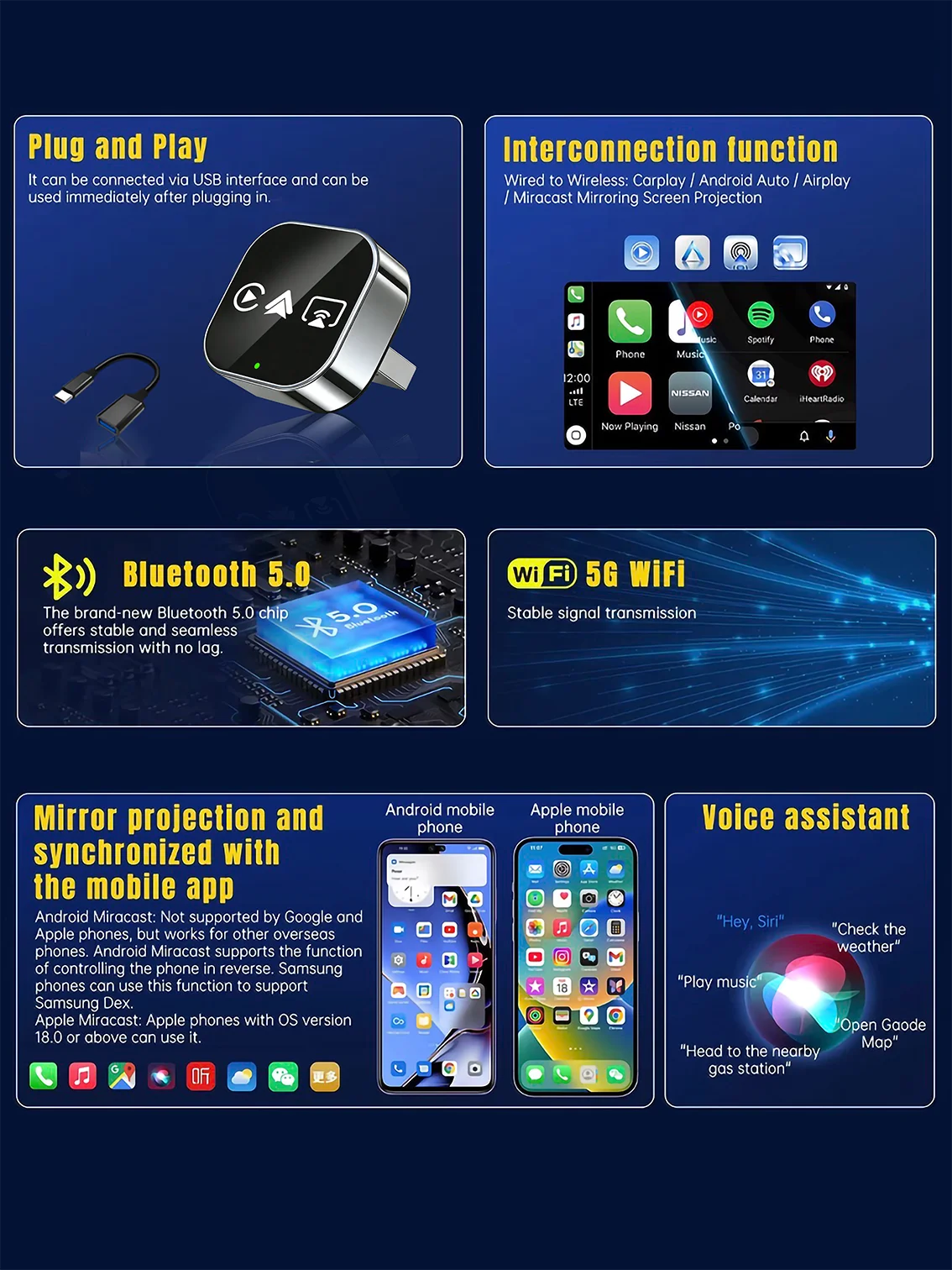
🔥 4-in-1 Wired to Wireless Converter: CarPlay/Android Auto/AirPlay/Mirror Link | Auto-Reconnect & Stable WiFi | Plug & Play for iOS/Android
▶ For Phones
📱 Mobile compatibility:
▪️ IPhone (for CarPlay): iPhone 6+/iOS 10+; (For AirPlay): iOS 18+
▪️ Android (suitable for Android cars): Android 11+/phone supports wireless Android cars
▪️ Huawei phones (EMUI system): Huawei devices have their own mobile operating system - EMUI. Android Auto Wireless does not support EMUI, please do not use it
▶ How to connect Carplay/Android Auto?
📲 Quick Connection Guide (30s Setup):
Step 1: Plug the adapter into your car’s wired CarPlay USB port.
Step 2: On the adapter’s interface, click the [CP/AA] icon.
Step 3: Turn on Bluetooth + WiFi on your phone.
Step 4: Search for the adapter’s Bluetooth name (e.g., “SmartBox-xxxx”) and pair.
Step 5: Auto-recognizes and connects to CarPlay/Android Auto – done!
▶ For Airplay/Miracast
🖥️ Wireless Screen Mirroring:
▪️ AirPlay (iPhone): iOS 18+ required | Sync apps, movies, navigation to car display – ideal for long drives.
▪️ Miracast (Android): Android 11+ required | Cast phone screen in real-time – no lag for maps/games.
▶ How to connect Mirror link?
🖇️ Mirror Link Setup:
Step 1: Turn on WiFi on your phone.
Step 2: Open wireless screen mirroring (find it in: Drop-down menu → Settings → Display → Wireless Projection).
Step 3: Select the adapter’s device name (e.g., “SmartBox-xxxx”) from the list.
Step 4: Connected instantly – start casting!
▶ OTA upgrade
🔧 OTA Upgrade (Fix Issues & Get New Features):
Why upgrade? Resolve connection failures/disconnections, add new functions.
Step 1: Turn on your phone’s WiFi.
Step 2: Connect to WiFi: Name → “SmartBox-xxxx” | Password → “12345678”
Step 3: Open phone browser, enter URL: 192.168.1.101 (correct punctuation!)
Step 4: Enter OTA page → Click “Upgrade” and wait 2-3 minutes.
📌 Important Reminders:
▪️ Copyright Notice: Due to copyright protection, some copyrighted apps/videos may not be supported – this is a standard industry limitation, thank you for your understanding.
▪️ Keep the adapter away from high temperature (e.g., car dashboard in direct sunlight) to ensure stability.
▪️ If connection fails, try OTA upgrade first or contact our support team.
▶ After-sales Guarantee
🛡️ After-sales Support:
Wireless carplay adapter
✅24/7 customer service
✅30 day free return policy
✅24 month warranty period